Text · Markdown macro
Publish the README once, with everything inside it live
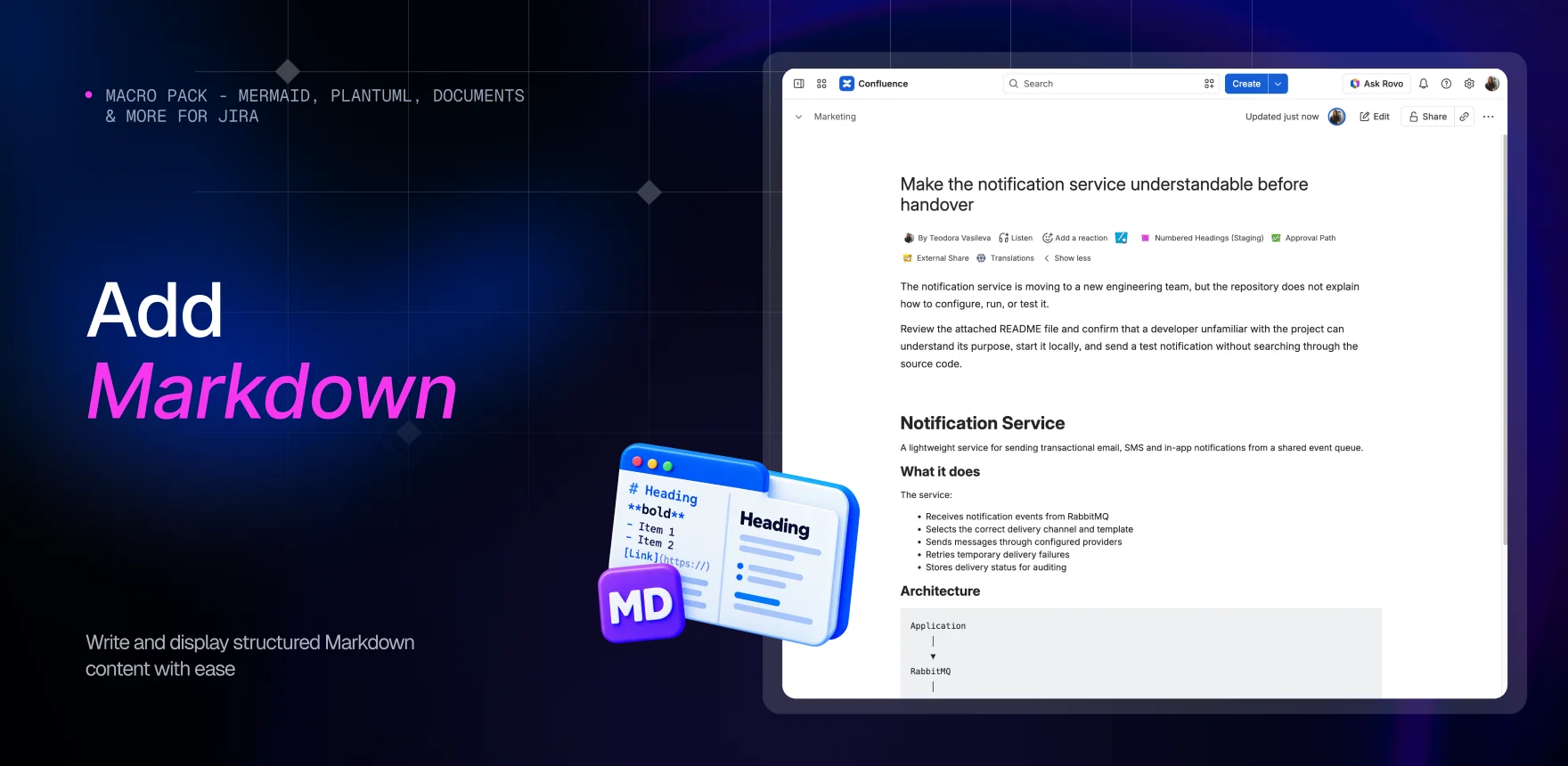
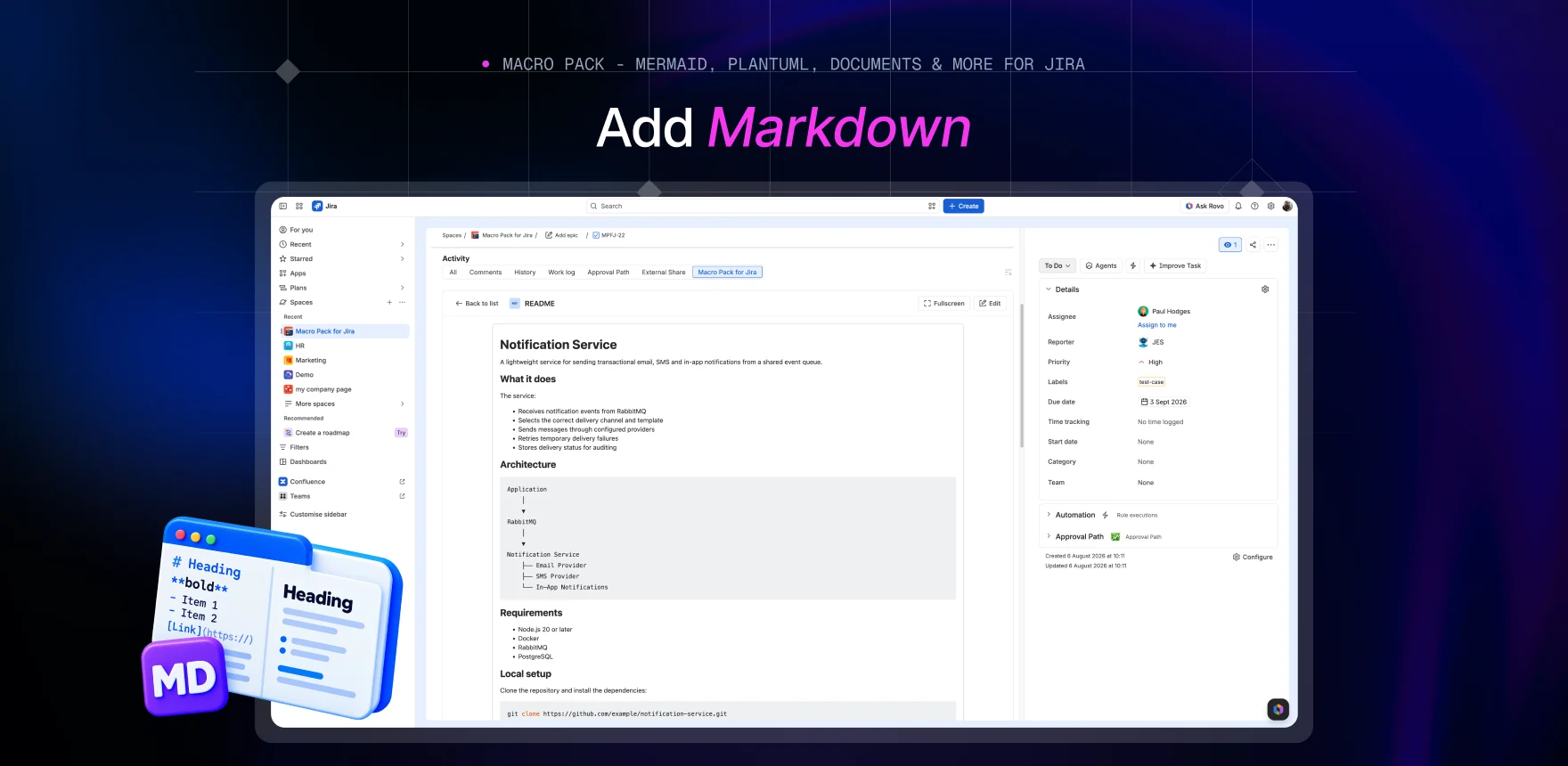
With the Markdown macro the readmes, design docs and notes your team already writes render on the Confluence page or the Jira work item as proper formatted content - and the diagrams and data inside them render too, right where they were written. You publish instead of retyping.
Your design doc stays one document
This is the part that changes how you build a page: a fenced block of Mermaid, PlantUML, WaveDrom, ditaa, Svgbob, CSV, JSON or LaTeX renders as the real diagram, table or equation - inside your prose. Your design doc holds its narrative, its architecture diagram and its sample payload as one thing, instead of fragmenting into a stack of macros.
Your writers keep the flavour they already use
Switch on GitHub Flavored Markdown and tables, task lists, strikethrough and autolinks work the way they do in a pull request, so nobody learns a second dialect just to publish. Need strict original Markdown for content that goes somewhere else too? Turn that on instead and it takes precedence.
Your warnings look like warnings
Enable GitHub-style alerts and they become coloured panels on the page - a caution before a destructive command, a note beside a workaround - so the important line stops being just another paragraph your reader skims past. Enable footnotes and they collect their citations at the bottom rather than interrupting the text.
Your page shows what is in the repository today
Point the macro at the file your project already versions - a URL, an attachment, a
Git repository, Google Drive, or a credentialed S3, SFTP or database connection an
admin set up once - and the page is as current as the last merge. Readers download
the source as .md, and links open in a new tab by default so nobody
loses their place.
What the other Markdown apps leave you copying
The alternatives come in two shapes. Editors, which give you somewhere to write Markdown inside Confluence - useful, but it makes the wiki the home of the document, which is the thing your repository was already doing. And git-host integrations, which pull a file in from Bitbucket or GitLab. Neither shape reaches Google Drive, an S3 bucket, an SFTP server or a database, so anything kept there you copy by hand. This macro just reads the file - from any of those, a URL or an attachment, on the connection every other macro in the pack shares - and the fenced diagrams, tables and equations inside that file render as the real thing, in place.
Markdown is one of 31 macros in Macro Pack
One app to install, one licence to renew, one place your team learns - and 30 more formats it already reads, from spreadsheets and diagrams to API specs and documents.
See every macro in the pack